






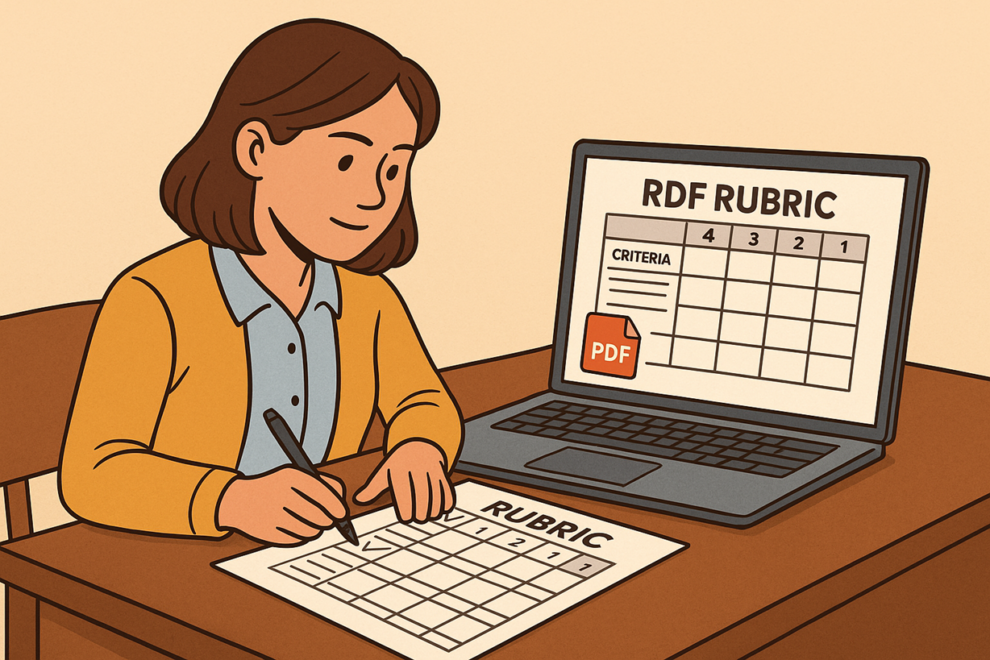

Rubrics have become one of the most valuable tools in modern education. They provide teachers with a structured system for evaluating student work and help students understand expectations clearly. As schools move toward more digital workflows, teachers increasingly convert rubrics into PDF format for consistency, accessibility, and professional presentation. Many use PDF tools available on platforms like PDFmigo.com to organize, refine, and distribute rubrics that support transparent and reliable grading practices.
Why Rubrics Are Essential in Today’s Classrooms
Rubrics create clear expectations by outlining specific criteria and describing performance levels. This transparency benefits everyone involved—teachers, students, and parents. Schools use rubrics to:
- Clarify assignment requirements
- Set measurable learning goals
- Ensure fair and consistent grading
- Provide detailed feedback
- Support student self-assessment
Because rubrics guide learning and evaluation, their formatting and organization need to be clear, stable, and readable across all devices—making PDF the ideal format.
Why Teachers Prefer PDF Rubrics
When rubrics are created in editable programs like Google Docs or Word, formatting can shift when opened on different devices. PDF rubrics eliminate this problem by preserving:
- Column alignment
- Scoring boxes
- Performance descriptors
- Fonts and layout
Teachers also prefer PDFs because students can’t accidentally alter the rubric. This ensures that every student receives identical grading criteria.
Building Effective Rubrics for Different Subjects
Rubrics are flexible and can be customized for various subjects and grade levels. Examples include:
- Writing rubrics: Organization, grammar, clarity, evidence, creativity
- Math rubrics: Process, accuracy, explanation, problem-solving
- Science rubrics: Lab procedures, data analysis, conclusions
- Art rubrics: Technique, creativity, craftsmanship
- Group work rubrics: Collaboration, participation, communication
Teachers often collect several rubric templates throughout the year and combine them into a single rubric packet using tools that allow them to merge PDF.
How Teachers Use Rubrics to Support Consistent Grading
One of the biggest grading challenges is ensuring consistency, especially with subjective tasks like essays or creative projects. PDF rubrics standardize grading by outlining specific criteria for each performance level. This prevents unintentional bias and helps teachers justify scores during parent meetings or student conferences.
For group assignments or multi-step projects, teachers may use several rubrics attached together. If one rubric contains irrelevant sections, teachers can quickly remove them using tools that allow them to split PDF.
Improving Student Feedback With PDF Rubrics
Students benefit greatly from PDF rubrics because they can review expectations before, during, and after completing an assignment. Teachers can annotate directly onto rubric PDFs, highlighting strengths, circling improvement areas, or adding comments. This makes feedback:
- More detailed
- More personalized
- Easier to understand
- Easier to store digitally
Some teachers attach rubric PDFs to digital assignments so students see exactly how their work will be evaluated.
Rubrics and Parent Communication
PDF rubrics are also helpful for families. When parents receive graded rubrics, they understand why their child earned a particular score and how the child can improve. This reduces confusion and increases accountability.
Parents appreciate PDF rubrics because they’re easy to open on phones and can be saved for future reference. They also serve as strong documentation during academic review meetings or special education conferences.
Using Rubrics in Digital and Hybrid Classrooms
With the rise of online learning, rubrics have become even more important. Teachers post PDF rubrics in learning management systems so students know how to succeed on digital projects. When students submit assignments online, teachers can open the rubric side-by-side with the work.
PDF rubrics ensure consistency regardless of whether the assignment is submitted in person, via email, or through a digital platform.
Storing and Organizing Rubric Libraries
Most teachers build large collections of rubrics over the years. Storing them as PDFs makes it easier to create:
- Subject-specific rubric folders
- Grade-level rubric libraries
- Universal schoolwide rubrics
- Yearly archives for evaluation
Teachers often combine multiple rubrics into one reference file for student portfolios or end-of-year reviews.
Training Students to Use Rubrics for Self-Assessment
Rubrics also help students evaluate their own work. Many teachers introduce self-assessment rubrics before students submit assignments. Students compare their work to the rubric criteria, gaining metacognitive skills and better understanding expectations.
PDF rubrics make this process easy because students can annotate them digitally or print them for reflection.
Conclusion
PDF rubrics give teachers a powerful way to improve grading accuracy, support student success, and maintain professional documentation. With clear criteria and consistent formatting, rubrics help ensure fair evaluation across classrooms. Tools that help educators merge PDF and split PDF make it easier than ever to organize, customize, and deliver rubrics that strengthen learning outcomes.